한국어 Get the app
A knitting & everyday log app · iPhone · iPad

2.5 seconds,
every day you make

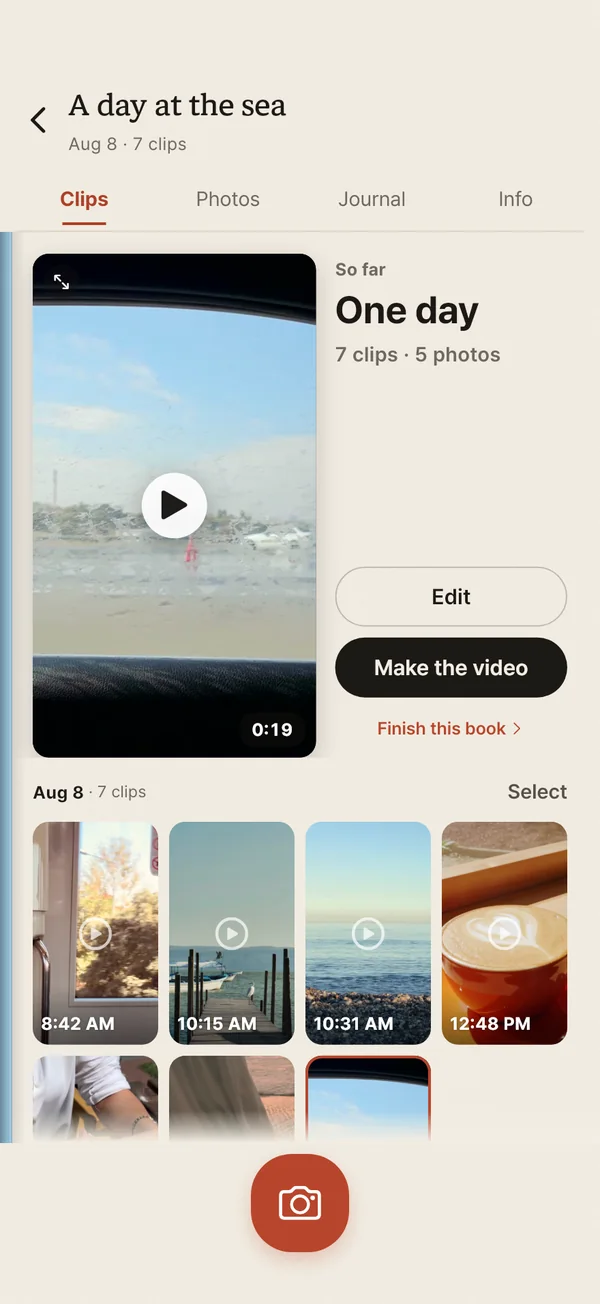
Your clips join up in date order into one video.
One scarf becomes one book.

Download on the App Store
Free for up to 3 books in progress
4%
Day 1 · Nov 8
18%
Day 5 · Nov 12
31%
Day 9 · Nov 16
46%
Day 14 · Nov 21
+Today
53%
Day 19 · Nov 26

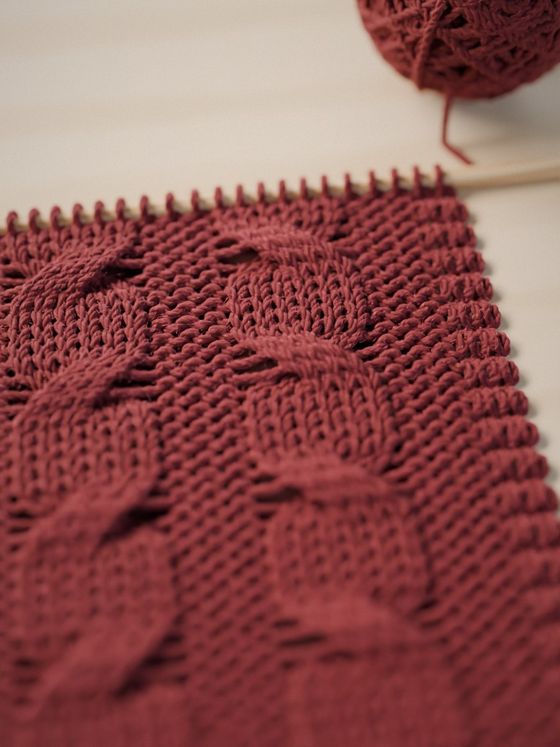
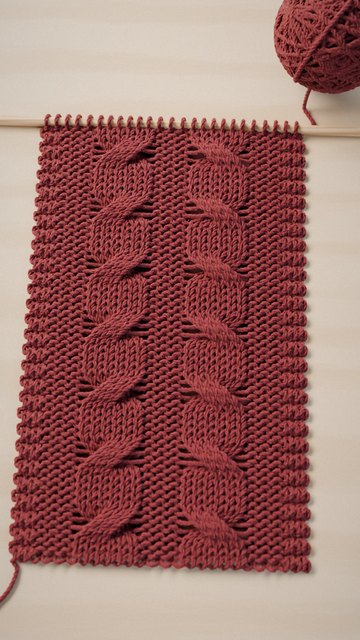
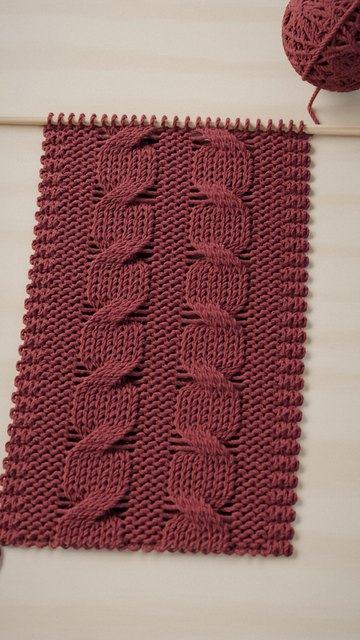
Nineteen days of a red scarf, started on November 8.

How it works

Three steps,
that’s all

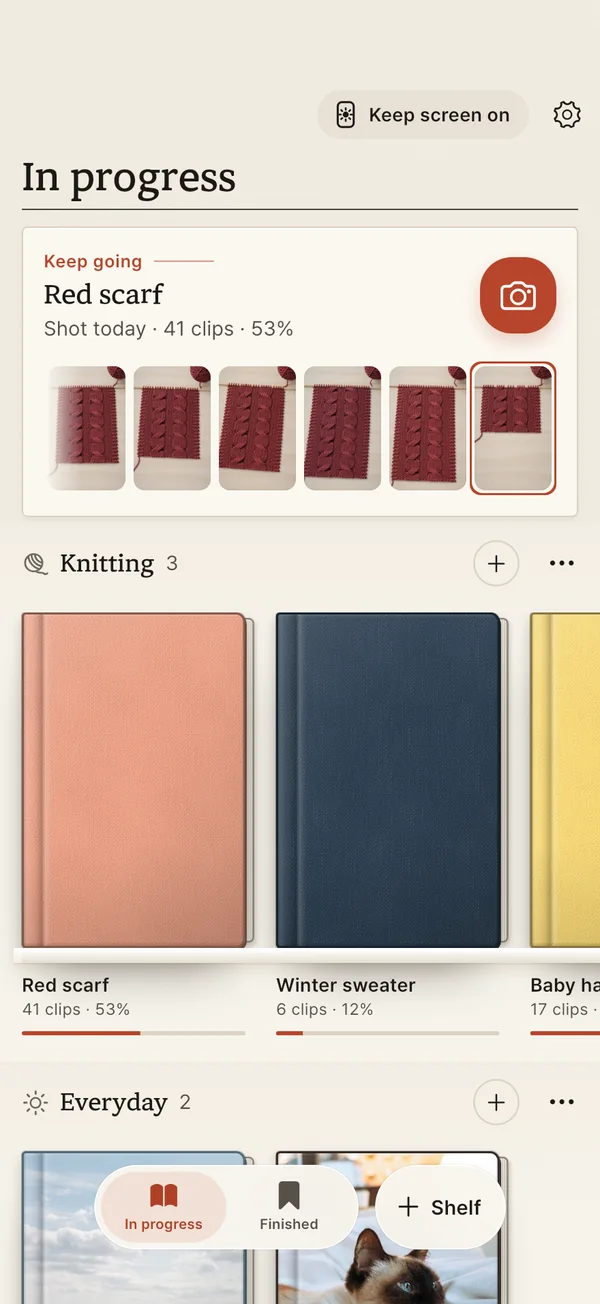
  1. Crog home screen — ‘Keep going’ with Red scarf, and books on the Knitting and Everyday shelves
    9:41
    01

    Make a book

    One scarf.
    One day at the sea.
    Make a book for each thing you want to keep, and put it on a shelf.
    There are two kinds of shelves: knitting & crochet, and everyday log.

  2. 02

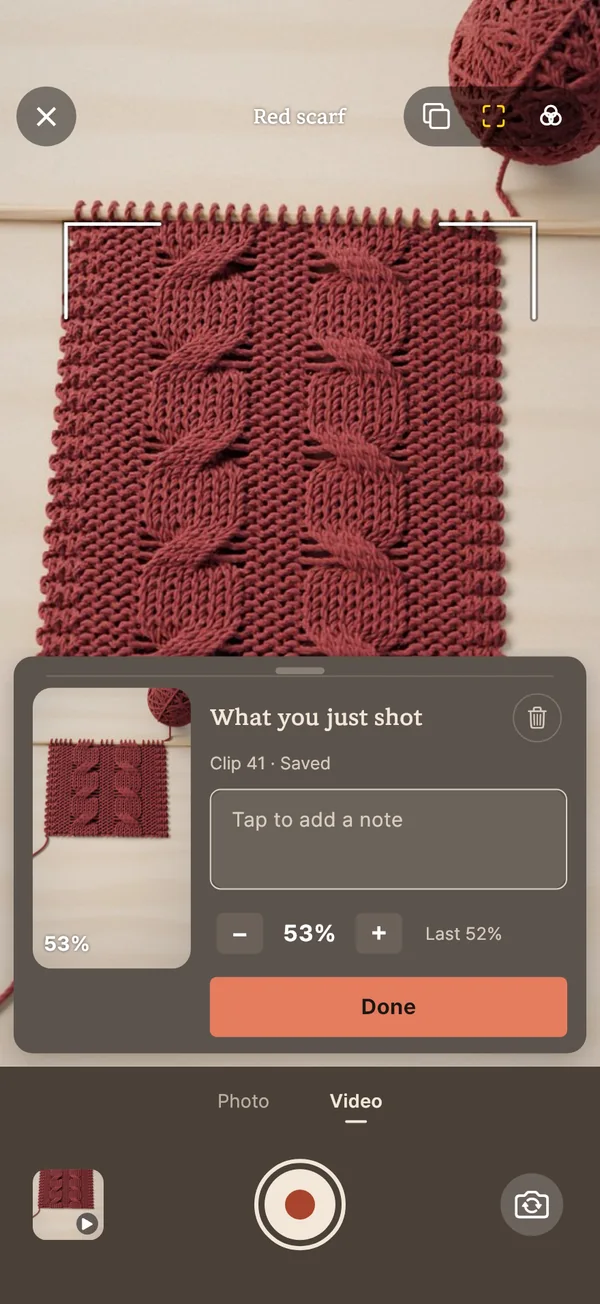
    Film 2.5 seconds at a time

    Tap the shutter and Crog films exactly 2.5 seconds.
    Turn on ‘Overlay last shot’ and your last scene shows faintly over the camera, so each day picks up in the same spot.

  3. 03

    Watch it join up

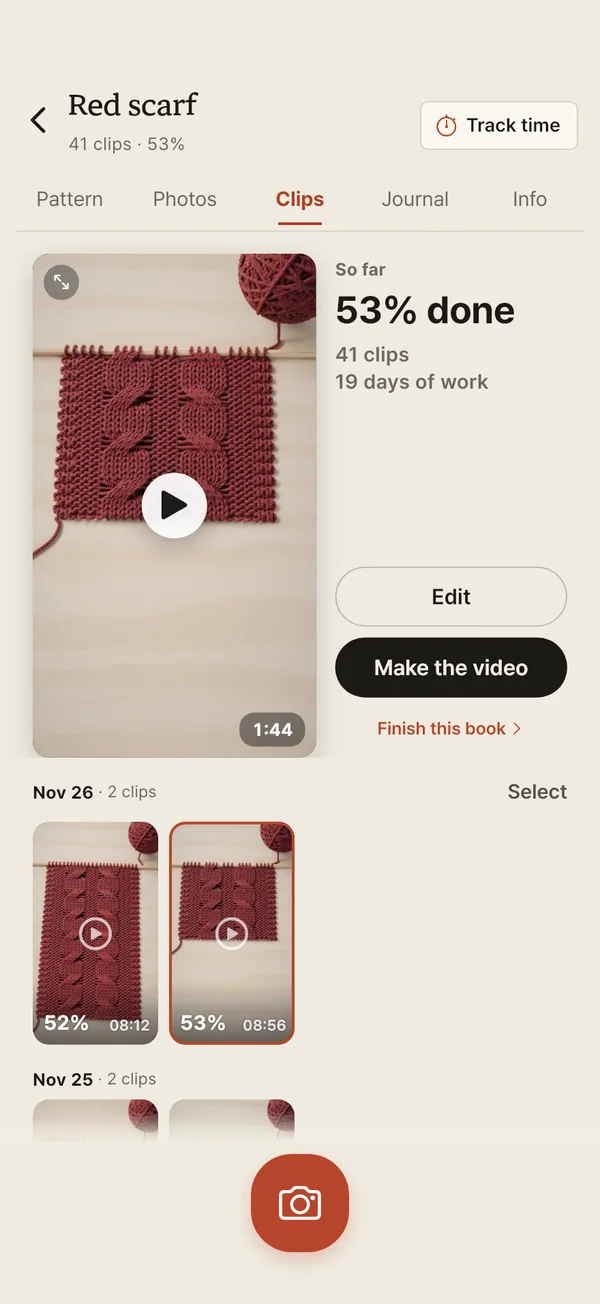
    Your scenes join up in date order into one video.
    Tap ‘Make the video’ to save it to Photos or share it right away.

Your phone takes 2.5 seconds.
Your hands go back to the needles.

Filming takes 2.5 seconds, so you keep your rhythm.

While you knit

Pattern and row count,
inside the book

Open your pattern, set the reading line, count your rows.
Everything you need while you knit lives in the book.

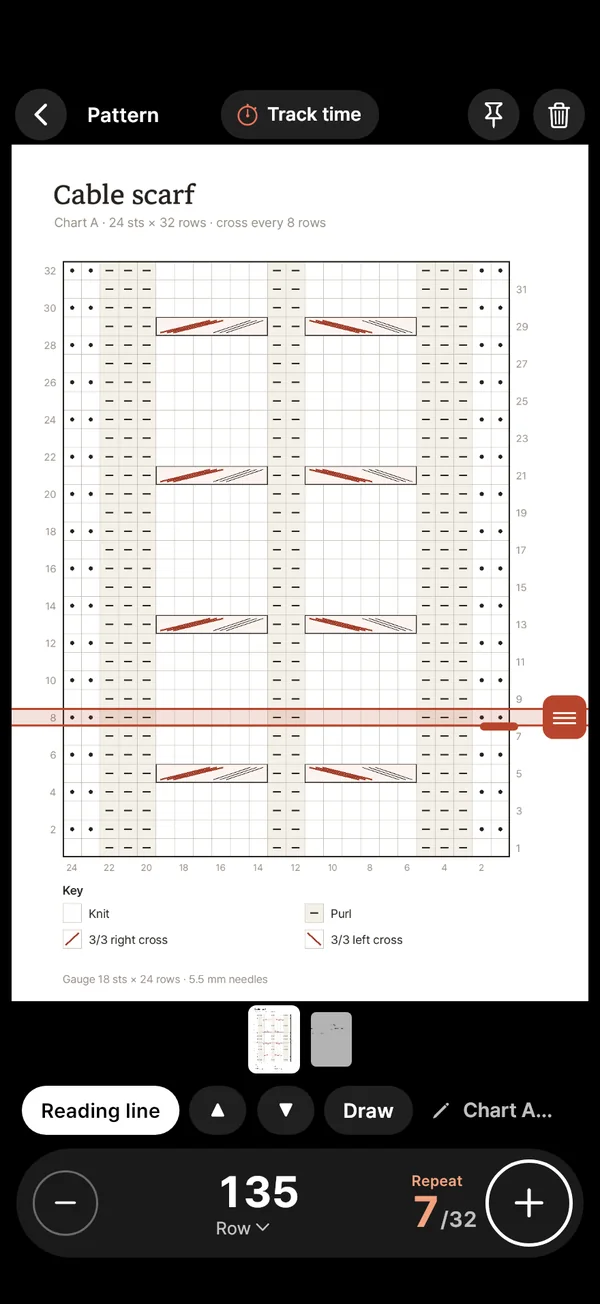
A reading line on your pattern

Keep PDF and photo patterns in the book and open them full screen.
Set the reading line on the row you’re on, move it a step at a time, and pick its color and style.
Mark the chart with a pen or highlighter.
The screen stays on while you view the pattern.

A pattern opened full screen — a reading line over a cable chart, with the row count 135 below
9:41

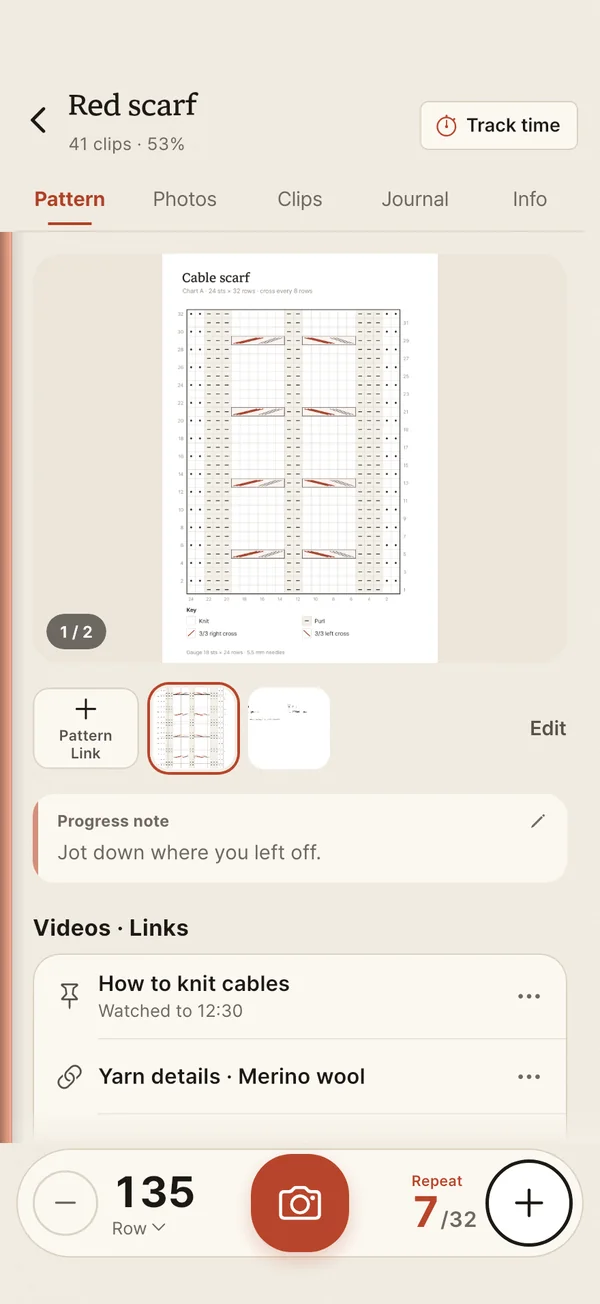
Knit along with a video

Collect YouTube videos and web links in the book.
Crog remembers how far you watched, so next time you pick up from there.

The book’s Pattern tab — two pattern pages, a progress note, the video ‘How to knit cables’ and a link
9:41

Counter

Each tap of + adds one.
Keep up to five counts in a book, each with a repeat, a goal and reminders.
The next reminder, like ‘Cable on row 141’, sits beside the number.
When you’re done, tap the number and choose ‘Stop counting’.

Easy counting+1 without putting your needles down
  • Lock Screen work card
  • Lock Screen button · Widget
  • Control Center
  • Action button
  • Siri
  • Bluetooth pedal · keyboard

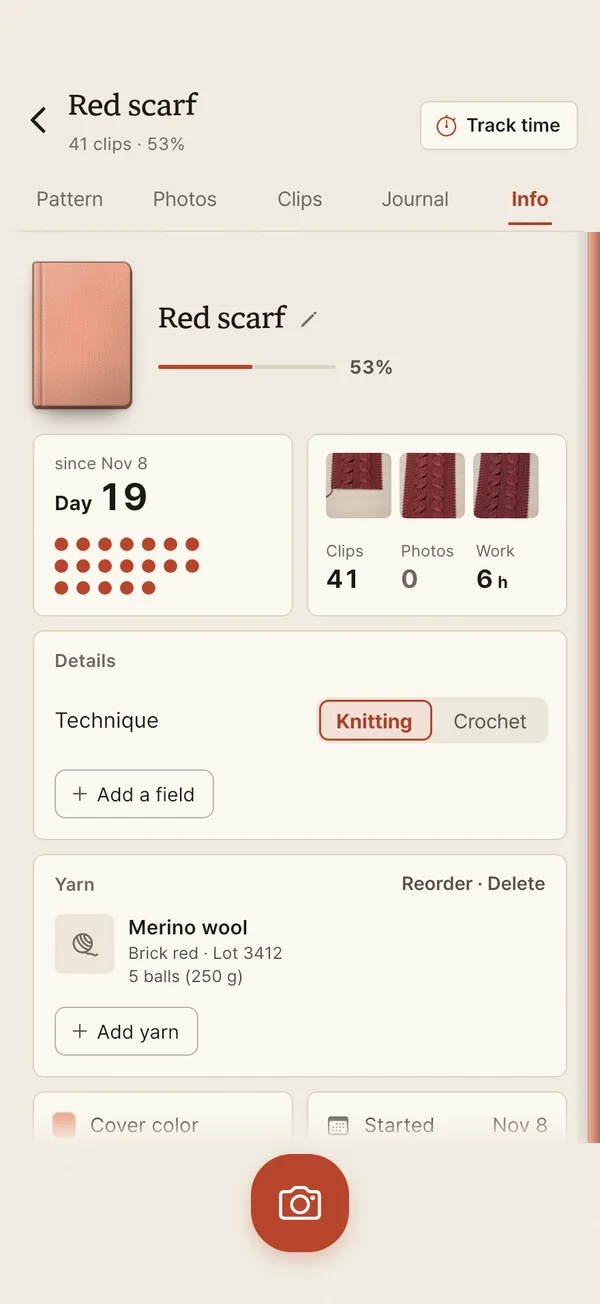
Yarn, needles, time worked

Note the yarn and needles you used, and track your time.
The day you’re on and the hours you’ve knit stay with the book.
Left the timer running?
Take off 5, 15 or 30 minutes, or edit it manually.

The book’s Info tab — day 19, 41 clips, 6 hours of work, the yarn ‘Merino wool’
9:41
What you keep

Your days,
in one book

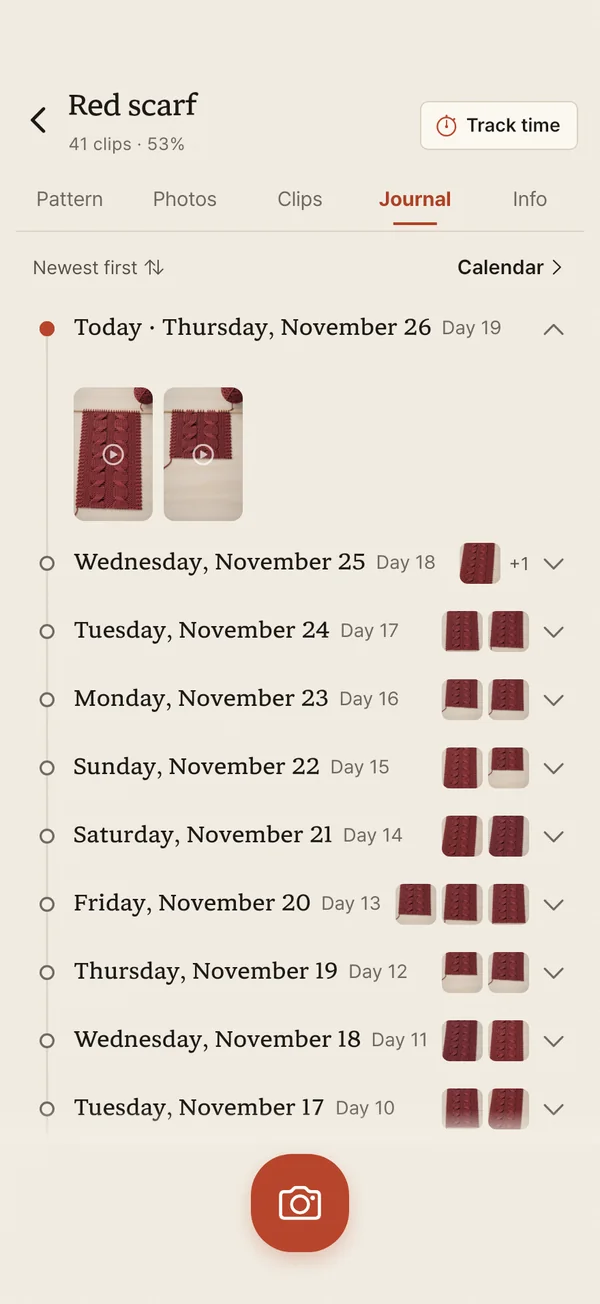
Clips gather by date, with your notes and journal beside them.
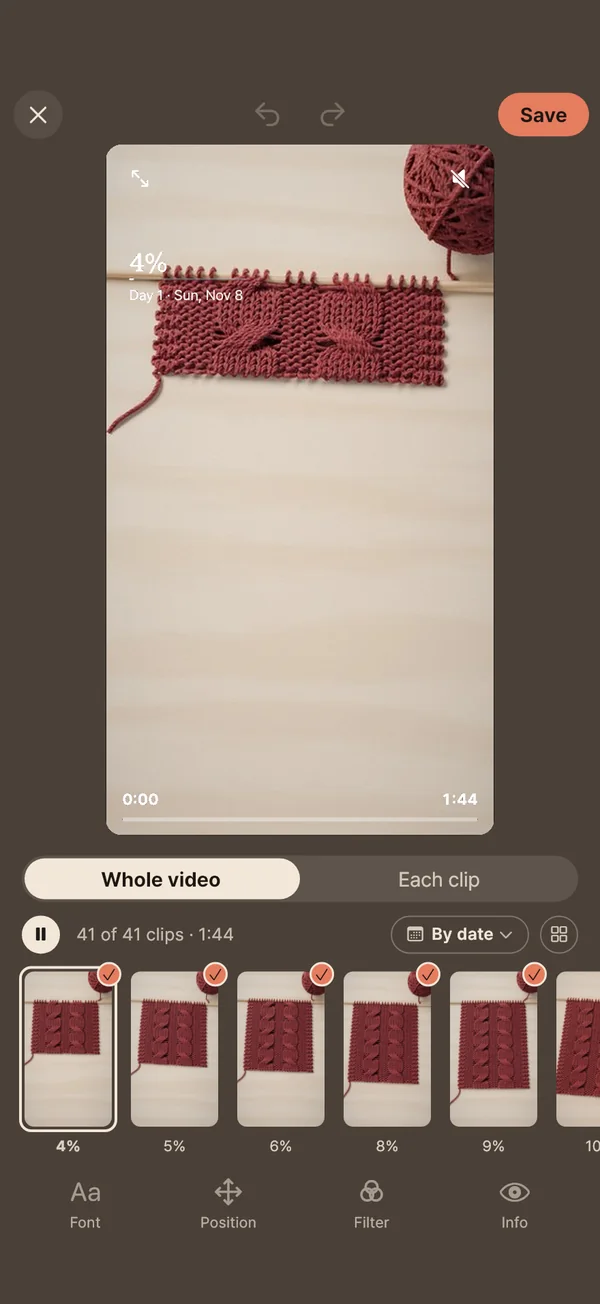
Edit the video only when you want to.

Also in Crog
  • Home & Lock Screen widgets
  • Themes and book styles
  • Any cover color
  • Lock with Face ID
  • Recently Deleted for 30 days
  • Crog Cloud sync · Backup
What Crog doesn’t have

Left out
on purpose

Making things is mostly quiet time on your own.
How many rows you knit today is yours to know.

  • No followers.
  • No public feed.
  • No ads.
  • No sign-up.
Only you see your records.They stay on your device, any Crog Cloud copy stays locked so only you can open it, and you decide where your videos go.
Finished shelf

Bind off,
and shelve the book

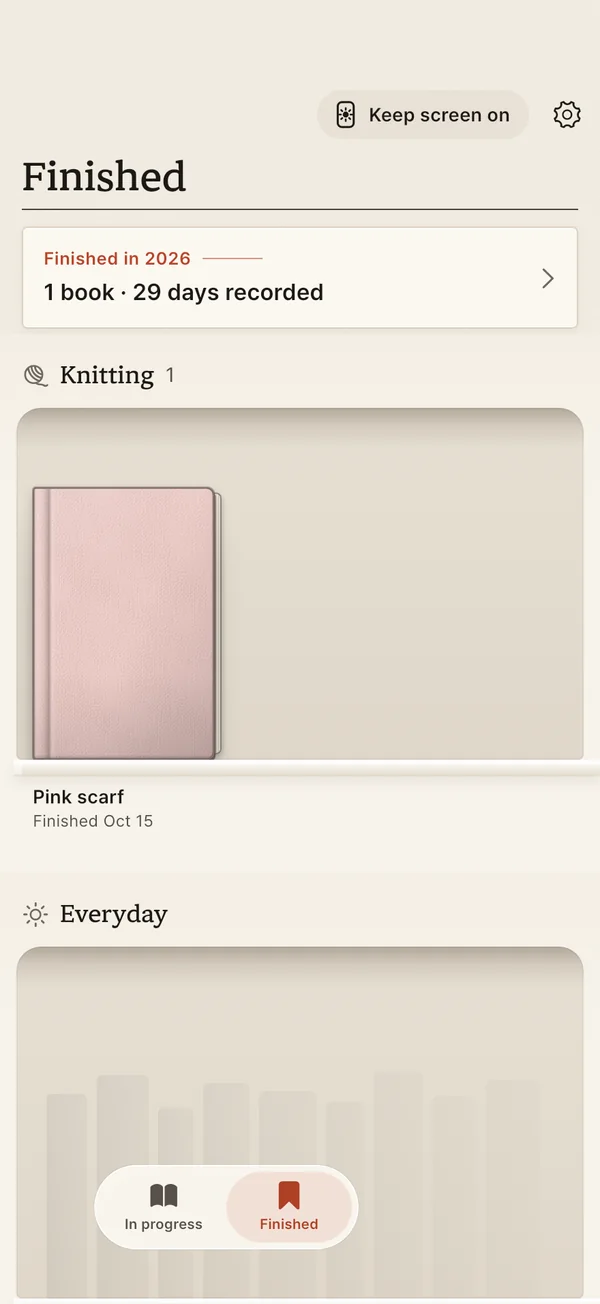
Tap ‘All knit’ and the book goes onto your Finished shelf.
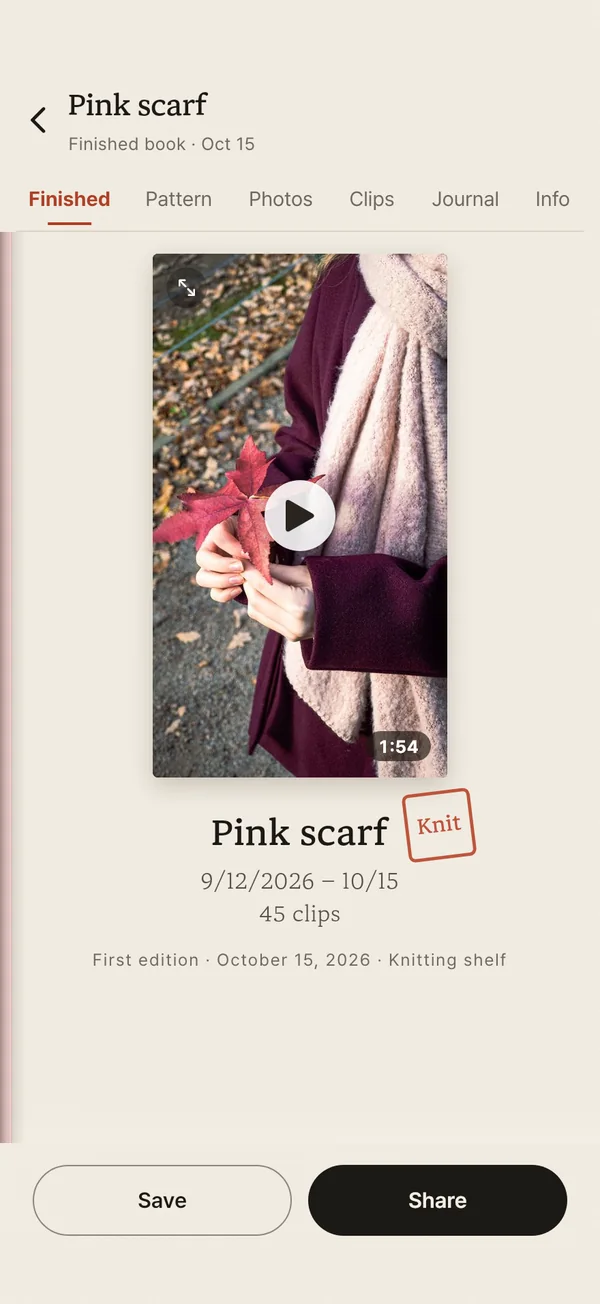
Open it and the ‘Finished’ page comes first, with the finished video — and the yarn, needles and time worked stay in the book.

Pink scarf · Sep 12 — Oct 15, 2026 · 34 days · 29 days recorded

The Finished shelf — the finished ‘Pink scarf’ on the shelf
9:41
The ‘Finished’ page of a finished book — the finished video and the ‘All knit’ stamp
9:41
Pricing

Free for up to 3 books
in progress

Filming, making videos, patterns, the counter are all free.
Choose Pro when you want more books open at once, backup and sync with Crog Cloud, or videos without the watermark.

FreePro
Capture · Make videos · EditIncludedIncluded
Sync · Cloud backupIncluded
Patterns · Counter · WidgetsIncludedIncluded
Books in progress3No limit
Keep capturing in finished books1 dayAnytime
Clip length2.5 s2.5 · 5 s
Video watermarkAddedCan turn off
Send books by linkIncluded

The video watermark is a small Crog mark near the top of the video.

For Pro, just choose how long

All three unlock the same features.
Only the period and price differ.

  • Monthly

    $2.99
    per month · cancel anytime
  • Yearly

    $24.99
    per year · about $2.08/month
  • Lifetime

    $59.99
    one-time payment · no renewal

Payment, cancellation and refunds are handled by the App Store.
Prices shown are US prices and vary by country.
If your subscription ends, no books are deleted.

FAQ

Questions?

Do photos go into the video?

No — only the 2.5-second clips are joined into the video.
Photos gather separately in the book’s Photos tab.

Can I use it if I don’t knit?

Yes — make an everyday log shelf and keep 2.5 seconds of cafés, trips, dates, even your cat at home.
Everyday videos show the date and time instead of your progress.

Where are my records stored?

Books, clips, photos and patterns are stored on your device.
If you turn on Crog Cloud, a paid feature, a copy locked on your device is also stored on Crog’s server and synced with your other devices.
Only your devices hold the key, so even Crog can’t see your records.

Can I use Crog on both my iPhone and iPad?

Yes — turn on Crog Cloud, a paid feature, and connect your devices with a QR code.
Your books, clips, photos and patterns then look the same on your iPhone and iPad.

How do I save my video?

Tap ‘Make the video’ in the book’s Clips tab to save it to Photos or share it right away.
Making videos is free.
Videos made on the free plan carry a small Crog mark near the top; with Pro you can turn it off.

What happens to my books if I stop subscribing?

Nothing is deleted.
From 7 days before it ends you can choose 3 books to continue; if you don’t choose, the 3 books with the latest captures continue.
The rest go ‘Resting’ — only new captures pause, and you can still view them and make videos.
Subscribe again to continue every book right away.

Is Crog on Android?

Not yet — for now, Crog is on iPhone and iPad.
An Android version is in the works.